Features

Everything Drakonsynth does today

Drakonsynth is an Alpaca-connected trading terminal for chart context, order entry, account views, watchlists, news, and broker validation workflows.

Bring your own Alpaca accountPaper or live credentialsSubscription access

Market data is supplied through Alpaca and depends on your feed access, such as SIP or IEX.

Connection & account

Use the Alpaca account you already control

Drakonsynth does not custody assets or replace your brokerage account. It connects to Alpaca for account data, order submission, market data, and news.

  • Connect your existing Alpaca brokerage account using API credentials you control.
  • Use paper or live credentials during setup.
  • Terminal and portfolio access require an active or trialing subscription.
  • Alpaca credentials are encrypted before storage.

Screenshot placeholder

terminal workspace overview

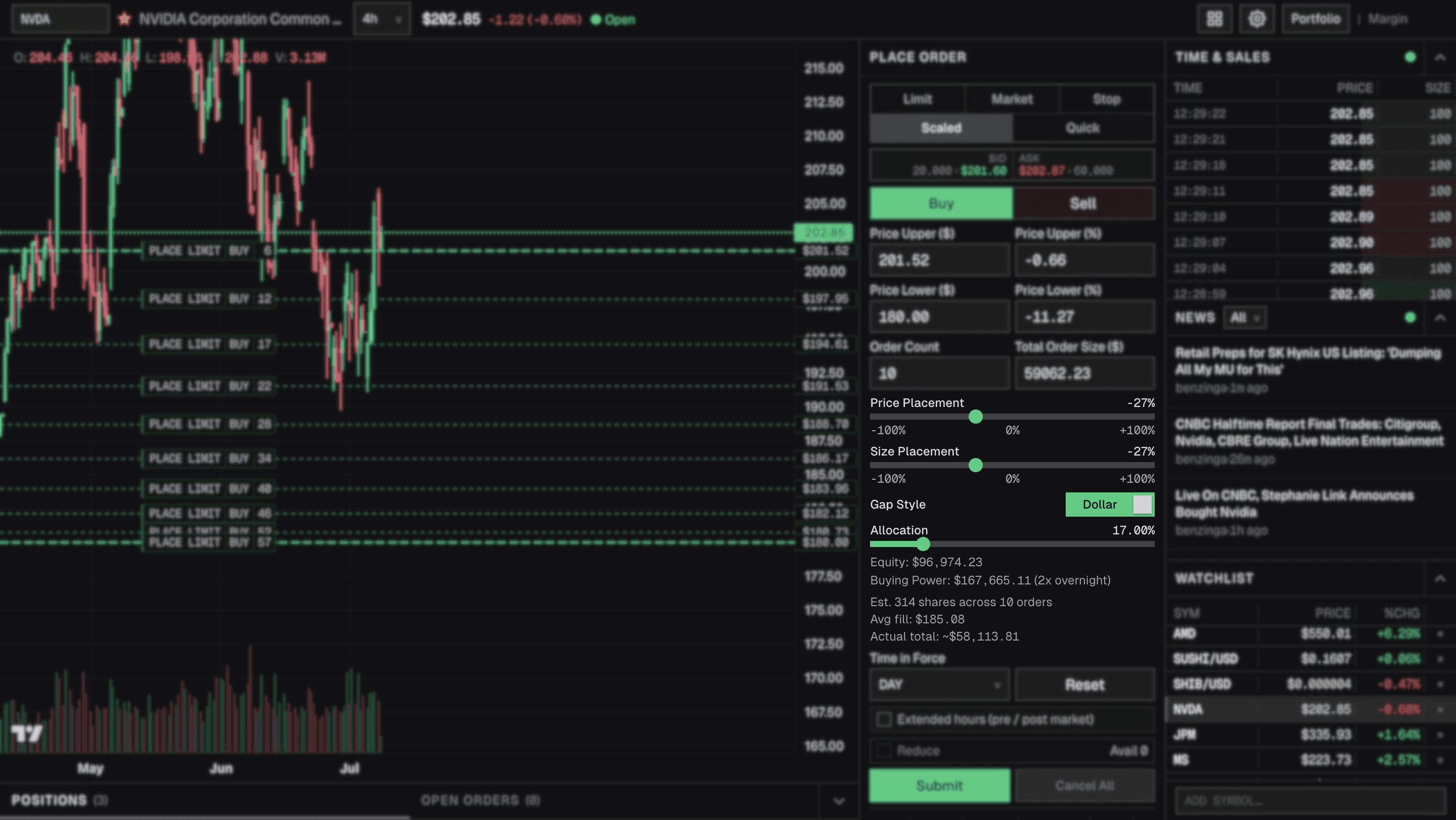
Trading workspace

Chart, orders, positions, trades, news, and watchlist in one view

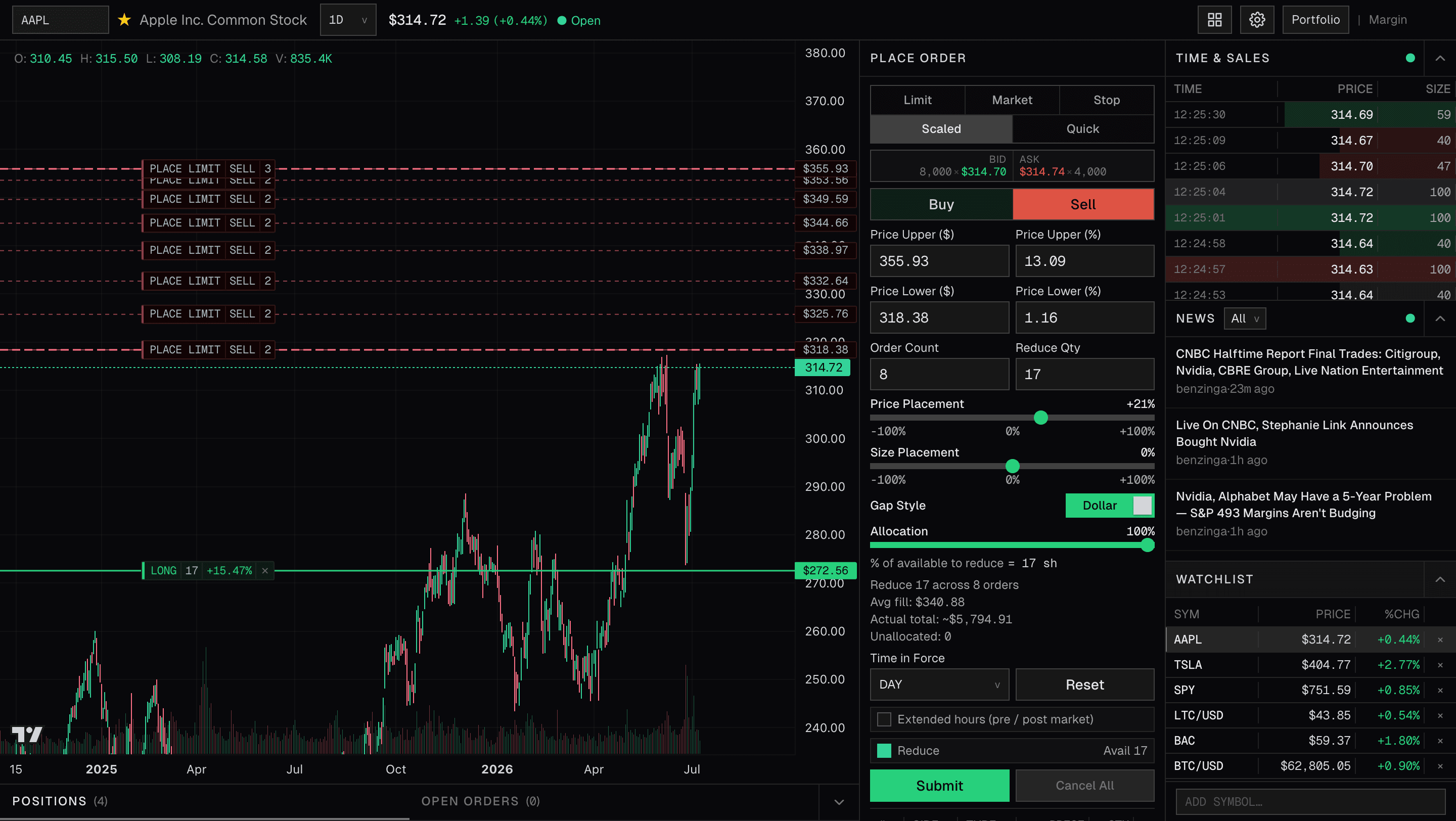
The terminal page brings the main trading surfaces together around the active symbol.

  • Candlestick chart with timeframe controls and volume.
  • Order panel for Limit, Market, Stop, Scaled, and Quick tabs.
  • Positions and open orders for the active trading account.
  • Time & Sales, Alpaca news, and persistent watchlist context.

Screenshot placeholder

watchlist/news/time & sales

Chart trading and overlays

Preview orders on the chart before they are submitted

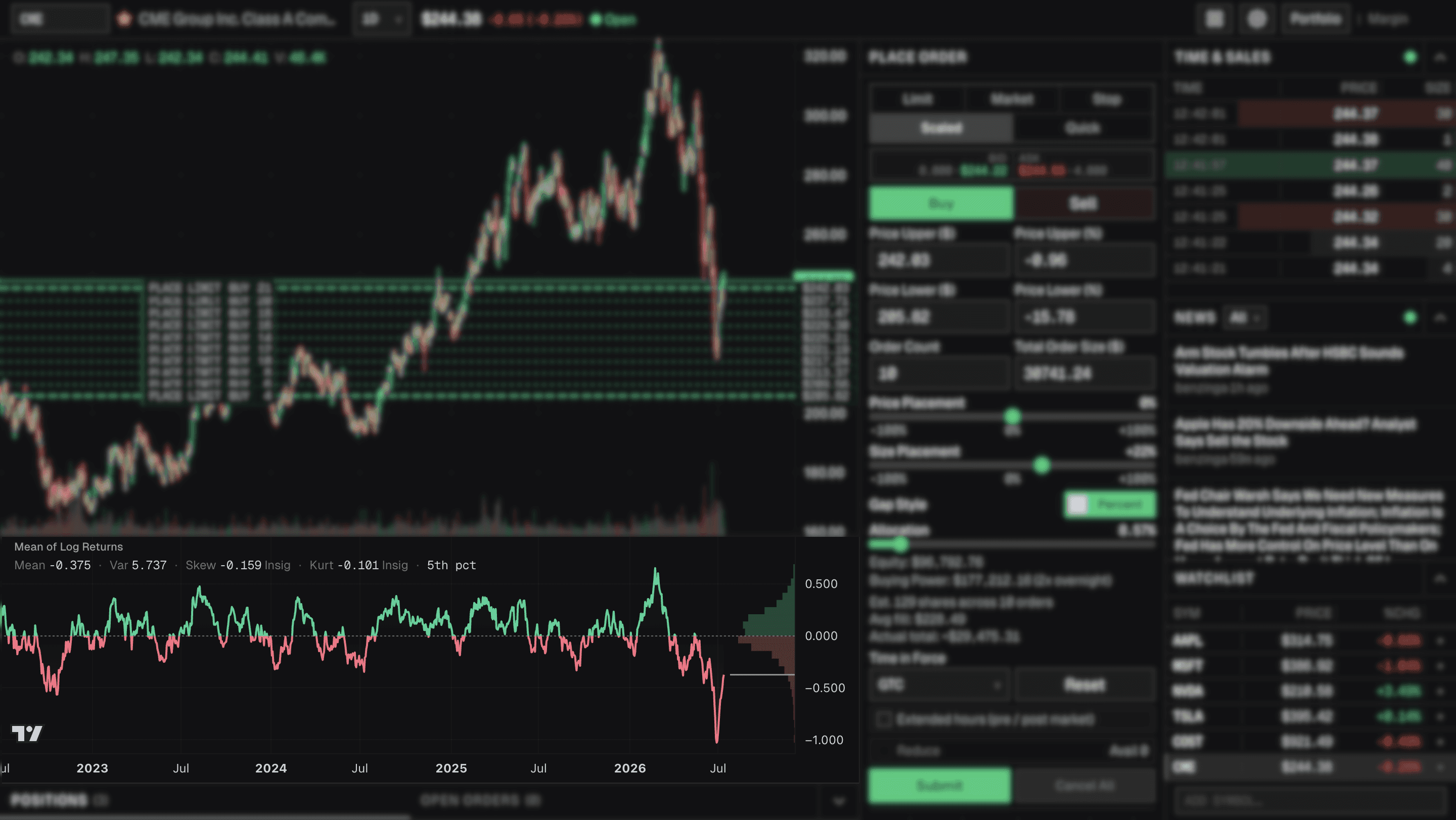
Limit, stop-family, bracket, Quick, and Scaled previews render as chart overlays where supported. Preview lines can be draggable before submission when the workflow supports it. Submitted and open orders are cancel-only on the chart; Drakonsynth does not imply drag-to-replace.

  • Order previews can show side, type, quantity, and price.
  • Positions and open orders render on the active symbol chart where supported.
  • Limit preview, bracket leg, and Scaled band handles are draggable before submission where available.
  • Submitted/open order overlays support cancellation, not replacement.

Screenshot placeholder

chart overlays / order previews

Order entry

Core order workflows with asset-class guardrails

The order panel exposes the workflows implemented today and keeps unsupported combinations out of reach where possible.

  • Limit and Market workflows support quantity and available notional modes where policy allows.
  • Stop workflows support equity stop-market, stop-limit, and trailing stops; crypto exposes stop-limit only.
  • Scaled builds ladders of limit orders across a configured price band.
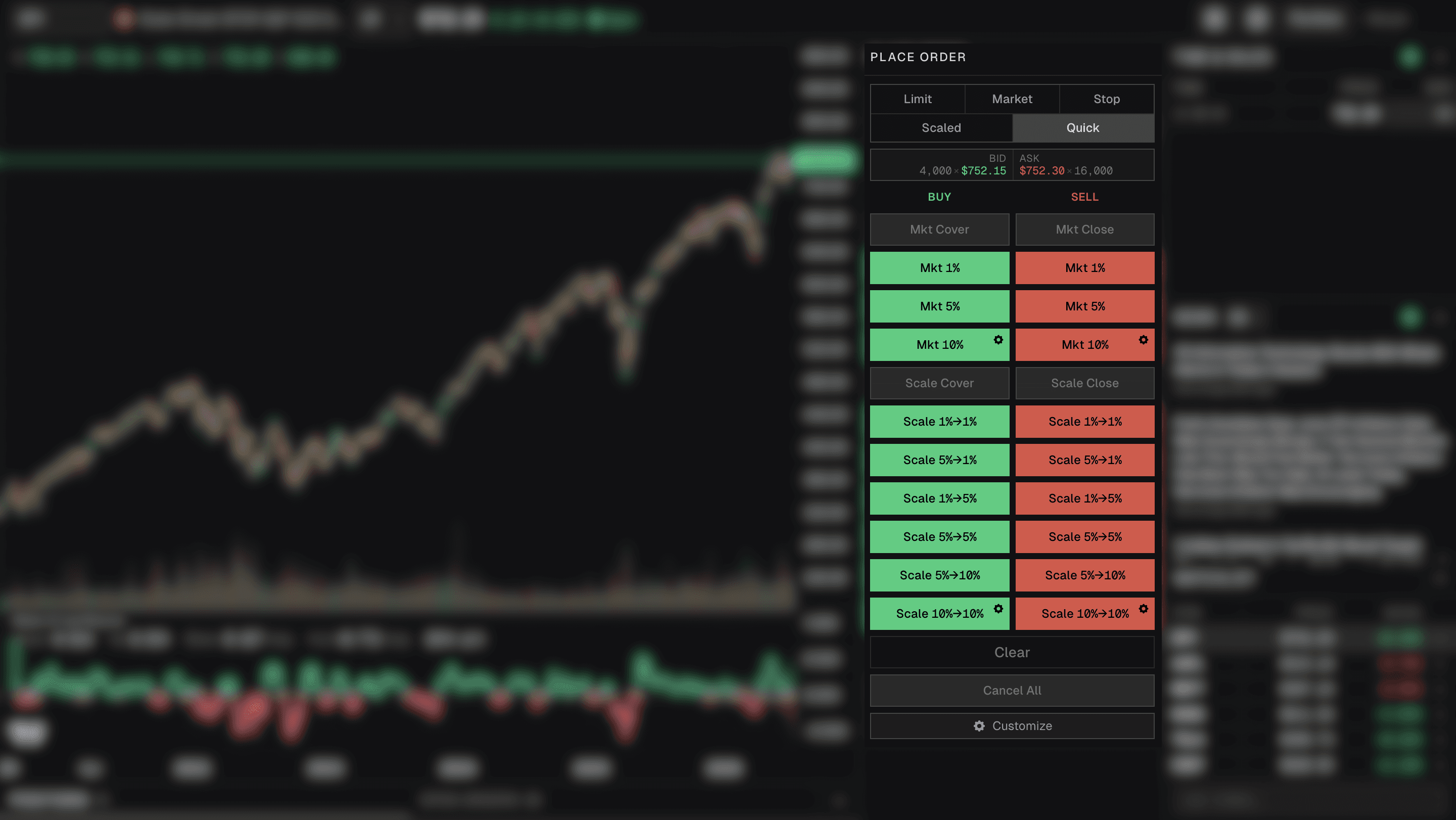
  • Quick macros submit market orders or locked ladder previews after confirmation.

Screenshot placeholder

order entry panel

Bracket orders

Equity bracket workflows with explicit exclusions

Bracket orders are available only where the current terminal policy and server validation allow them.

Equity-only parent orders with take-profit and stop-loss legs.

Not available for crypto, notional or fractional sizing, extended hours, or stop-entry orders.

Take-profit and stop-loss prices must be valid for the selected side and cannot be equal.

Stop-loss prices must remain at least $0.01 away from the entry price.

Scaled ladders

Build limit-order ladders across a price band

Scaled uses the shared ladder math to divide a total order size across generated rungs before submission.

  • Up to 50 rungs before ladder submission.
  • Flat, ascending, and descending price distributions.
  • Flat, ascending, and descending amount distributions.
  • Shift+drag band placement on the chart after valid positive sizing is entered.

Screenshot placeholder

scaled ladder builder

Quick macros

Confirm-on-click market and ladder macros

Quick is designed for fast preset actions while still requiring confirmation and marketability checks for ladder rows.

  • Quick market macros submit on a single click; Quick ladder macros require a second-click confirm.
  • Quick ladder rows preview on the chart while waiting for confirmation.
  • Final ladder submission rechecks rows against fresh market reference prices.
  • If a ladder row becomes marketable, the batch is blocked until it is regenerated.

Screenshot placeholder

quick macros

Crypto specifics

Crypto rules are narrower than equity rules

Drakonsynth keeps crypto order options limited to the workflows supported by its current policy.

  • Crypto market and limit orders use GTC or IOC time in force.
  • Crypto stop-limit orders are GTC only.
  • Crypto does not support brackets, trailing stops, stop-market orders, or short selling in Drakonsynth.
  • Crypto orders enforce a $200,000 per-order notional cap.

Market data

Quotes, trades, and news come through Alpaca

Market data is supplied through Alpaca and depends on your feed access, such as SIP or IEX.

  • Quote and trade streams are routed through Drakonsynth server routes.
  • Equity feed coverage follows the access Alpaca reports for the account.
  • Crypto uses Alpaca crypto market-data paths.
  • News availability, symbols, and history depend on Alpaca's feed behavior.

Portfolio, watchlist, and news

Account review and symbol context outside the order ticket

Drakonsynth includes supporting views for monitoring account state and symbol-specific context.

  • Portfolio page with equity curve, range P&L, positions, and filled or partially filled order history.
  • Persistent watchlist stored in user preferences.
  • Active-symbol news feed supplied by Alpaca.
  • Time & Sales for recent trades on the active chart symbol.

Screenshot placeholder

portfolio page

Risk controls and validation

Client and server guardrails before broker submission

The terminal validates order intent in the UI and again on the server before requests are sent to Alpaca.

  • The UI hides or disables unsupported combinations before submit.
  • The server validates submitted order payloads before forwarding them to Alpaca.
  • Asset class, time-in-force, extended-hours, notional, fractional, bracket, and crypto cap rules are checked in policy code.
  • Alpaca remains the final broker authority for accepts, rejects, fills, margin, and account restrictions.

What Drakonsynth does not do yet

Boundaries are part of the feature set

These items are intentionally outside the current product surface.

  • No trade recommendations, bot trading, or backtesting.
  • No Alpaca-hosted authorization flow yet; credentials are entered directly today.
  • No options, futures, or forex.
  • No drag-to-replace workflow for submitted orders.

Screenshot placeholders

Image slots for the next marketing pass

These blocks intentionally reserve space for future product screenshots without adding new image assets in this slice.

Screenshot placeholder

terminal workspace overview

Screenshot placeholder

chart overlays / order previews

Screenshot placeholder

order entry panel

Screenshot placeholder

scaled ladder builder

Screenshot placeholder

quick macros

Screenshot placeholder

portfolio page

Screenshot placeholder

watchlist/news/time & sales

Trade through Alpaca with a focused terminal workspace

Drakonsynth is not a broker-dealer or investment advisor. Trading involves risk of loss.